نسخ جاهزة للمنصاتPlatform-ready copies
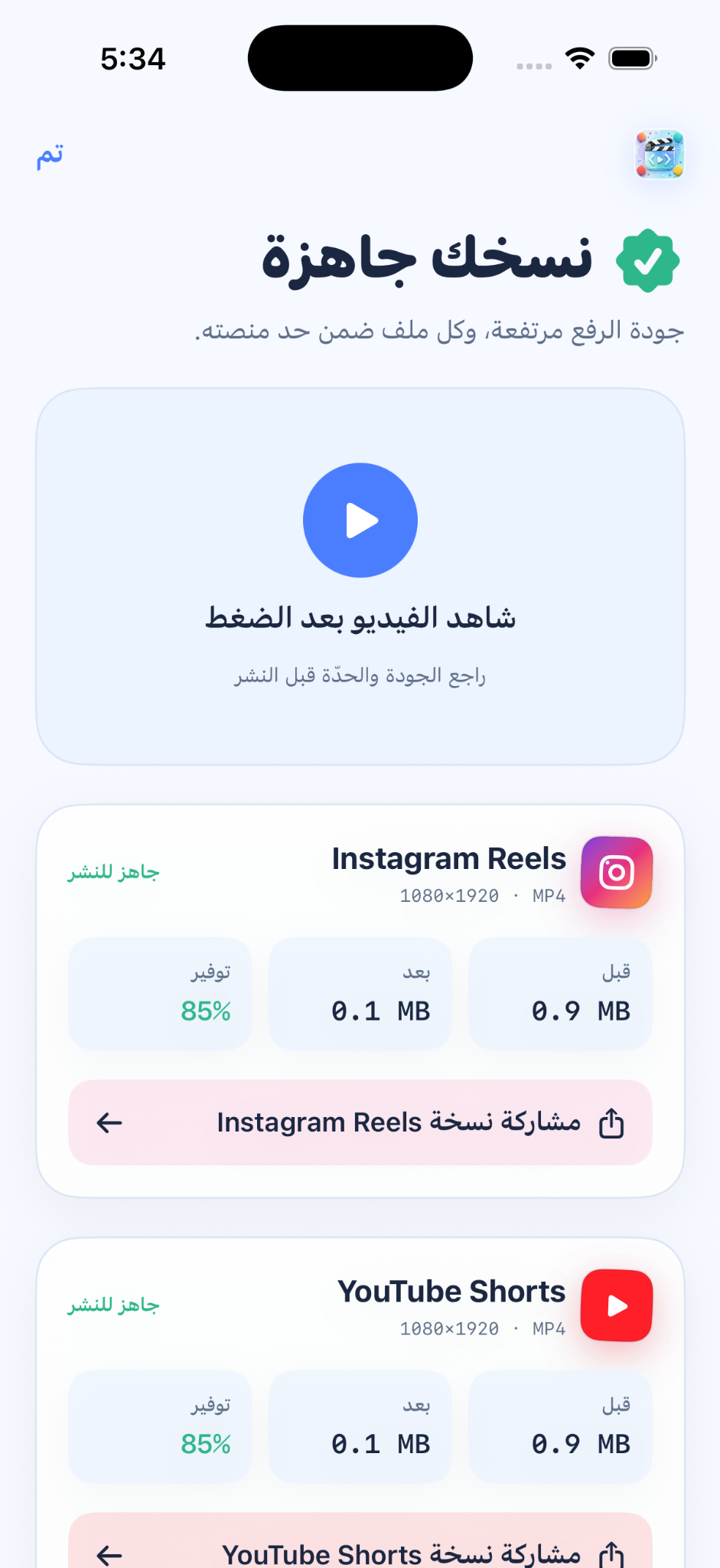
ينشئ ملف MP4 مستقلًا لكل وجهة بدل مشاركة الملف الأصلي.Create an independent MP4 for each destination instead of sharing the original.
اضغط بذكاء، حافظ على التفاصيل، وأنشئ نسخة مناسبة لكل وجهة.Compress intelligently, preserve the details, and create the right copy for every destination.
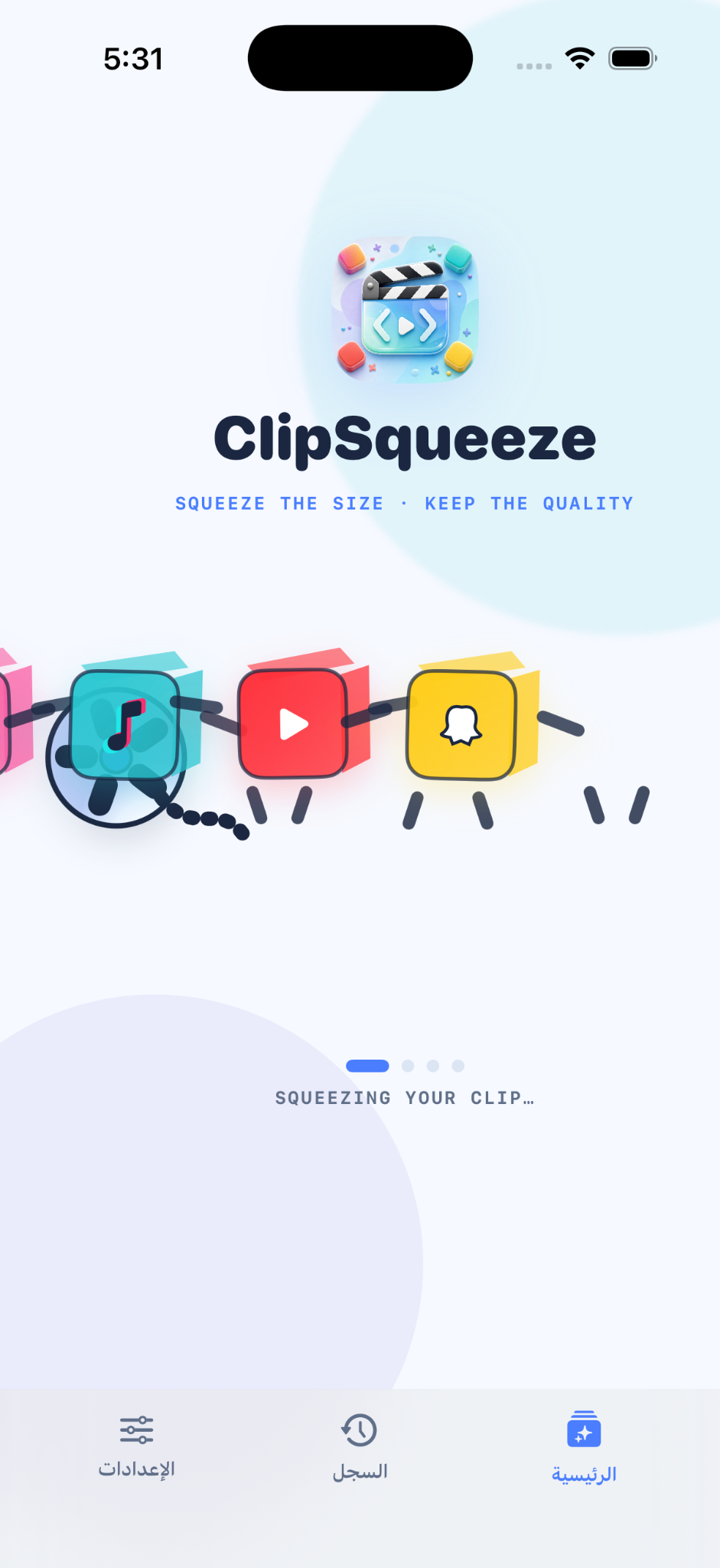
اختر الفيديو من ألبوم الصور، راجع الحجم والجودة بعد الضغط، ثم شارك نسخة Instagram Reels أو YouTube Shorts أو TikTok أو Snapchat — والمعالجة تتم على جهازك.Choose a video from Photos, review size and quality after compression, then share a copy for Instagram Reels, YouTube Shorts, TikTok, or Snapchat — processed on your device.

كل نتيجة تعرض ملفًا حقيقيًا أنشأه التطبيق، مع الحجم قبل وبعد ونسبة التوفير.Every result represents a real file created by the app, with before and after size plus measured savings.
ينشئ ملف MP4 مستقلًا لكل وجهة بدل مشاركة الملف الأصلي.Create an independent MP4 for each destination instead of sharing the original.
الحجم والدقة ونسبة التوفير تُقرأ من ملفات الفيديو الناتجة.Size, resolution, and savings are read from the generated video files.
شاهد النتيجة وراجع الجودة قبل إرسال النسخة المناسبة.Watch the result and review quality before sending the right copy.
اختيار ومعالجة وحفظ محلي دون حساب مستخدم.Local selection, processing, and saving with no user account.
سياسة الخصوصية هذه سارية من 31 يوليو 2026، وآخر تحديث لها في التاريخ نفسه.This privacy policy is effective July 31, 2026 and was last updated on the same date.
لا يتطلب ClipSqueeze إنشاء حساب، ولا يجمع معلومات شخصية أو معرّفات إعلانية أو بيانات موقع، ولا يستخدم الفيديو لأغراض التحليل أو الإعلان.ClipSqueeze does not require an account and does not collect personal information, advertising identifiers, or location data. Your video is not used for analytics or advertising.
يصل التطبيق فقط إلى الفيديو الذي تختاره عبر واجهة iOS، ويستخدمه لإنشاء النسخ المضغوطة التي تطلبها. لا يتصفح مكتبتك في الخلفية.The app accesses only the video you select through iOS and uses it to create the requested compressed copies. It does not browse your library in the background.
تتم المعالجة محليًا، ولا يُرفع الفيديو إلى خادم للضغط. لا يغادر الملف جهازك إلا عندما تختار الحفظ أو المشاركة بنفسك.Processing is performed locally and videos are not uploaded to a server for compression. A file leaves your device only when you choose to save or share it.
لا يجمع التطبيق عن علم بيانات شخصية من الأطفال، ولا يبيع بيانات المستخدم أو يشاركها مع شبكات إعلانية أو وسطاء بيانات.The app does not knowingly collect personal data from children and does not sell user data or share it with ad networks or data brokers.
لأسئلة الخصوصية راسل apps@v7tech.tech. ستُنشر أي تغييرات على هذه الصفحة مع تاريخ سريان محدّث.For privacy questions, email apps@v7tech.tech. Any changes will be posted here with an updated effective date.
للمساعدة في اختيار الفيديو، الضغط، المعاينة، الحفظ، المشاركة، أو الإبلاغ عن مشكلة، أرسل إصدار iOS ونوع الجهاز وخطوات ظهور المشكلة.For help with selection, compression, preview, saving, sharing, or a bug report, include your iOS version, device model, and steps to reproduce the issue.
ClipSqueeze
Compress video for every platform
Compress one video into platform-ready copies, preview the result, and share — all on your iPhone.
Squeeze the size, keep the quality. Create and preview share-ready versions for Reels, Shorts, TikTok, and Snapchat with private on-device processing.
video compressor, compress video, reels, shorts, TikTok video, Snapchat, reduce video size, creator tools, social video, iPhone video
ClipSqueeze helps creators turn one video into smaller, platform-ready copies. Choose a video from Photos, let the app create optimized MP4 versions, compare the real file size before and after, preview the compressed result, then share the copy prepared for your destination.
The workflow stays private and simple. Compression happens on your iPhone, no account is required, and the source video is not uploaded to a server for processing.
Official iOS photo picker · Real video compression · Platform-ready MP4 copies · Before and after file size · Savings percentage · Result preview · Per-platform sharing · On-device processing · No account